BoomBoom - Doodle Royale
A downloadable game
Draw the level while you are playing it.
BoomBoom — Doodle Royale is a free, MIT-licensed browser game for up to eight players. Open sketch mode, draw a shape, and cast it into the live multiplayer world as solid geometry that everyone can see and walk on. Build ramps and bridges, improvise cover, block routes, or draw an escape.
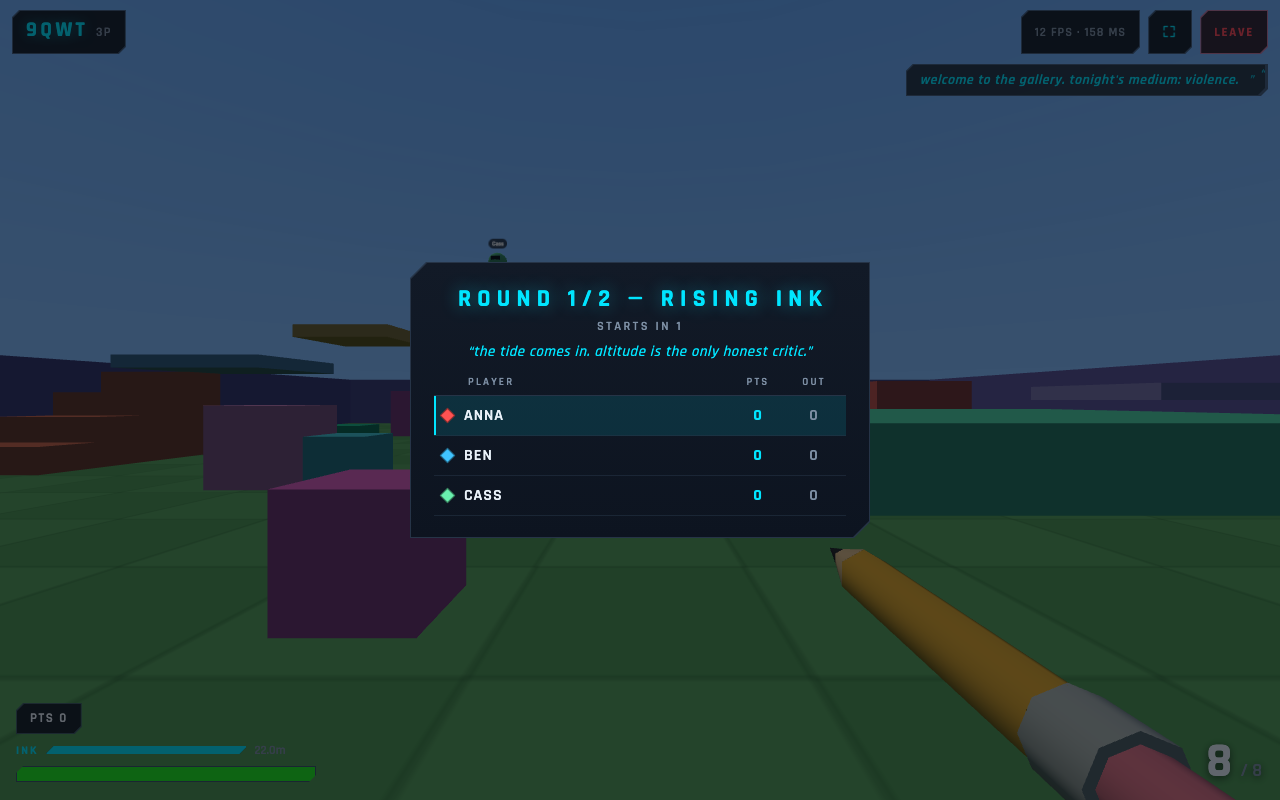
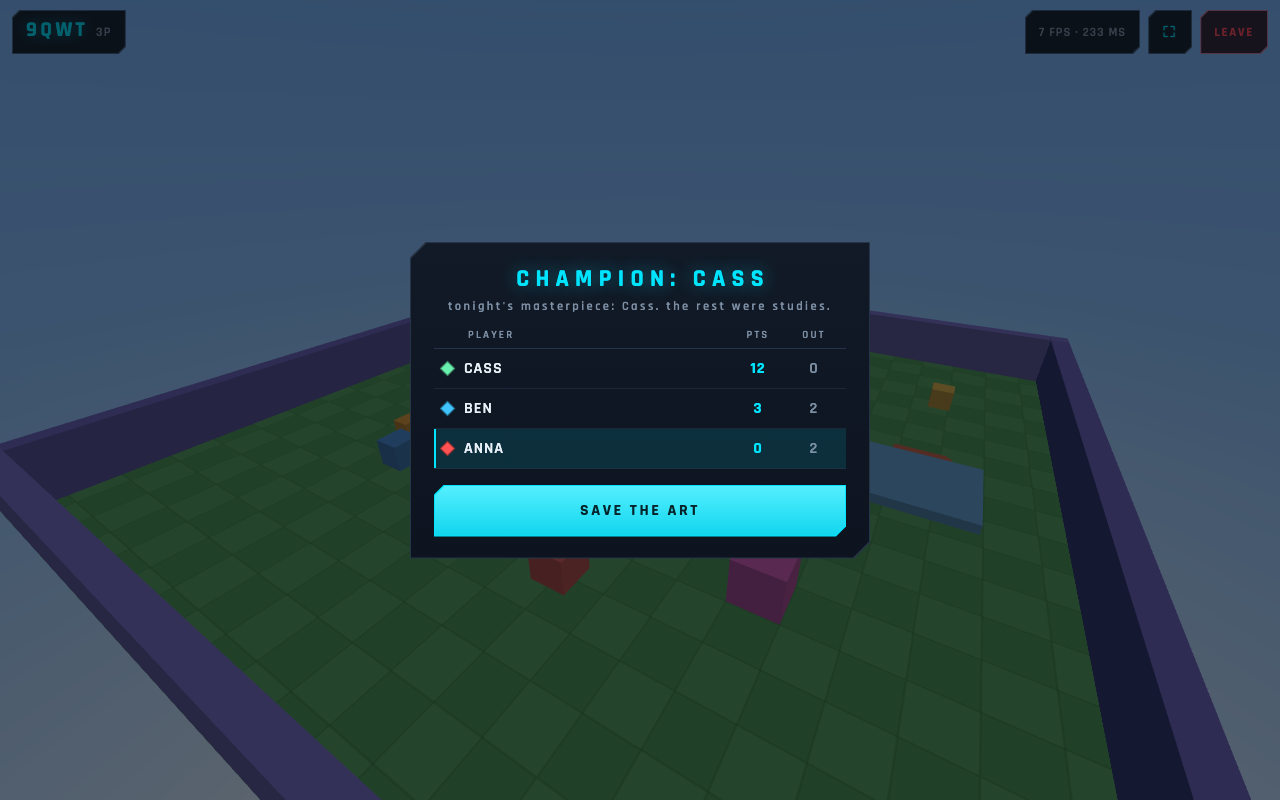
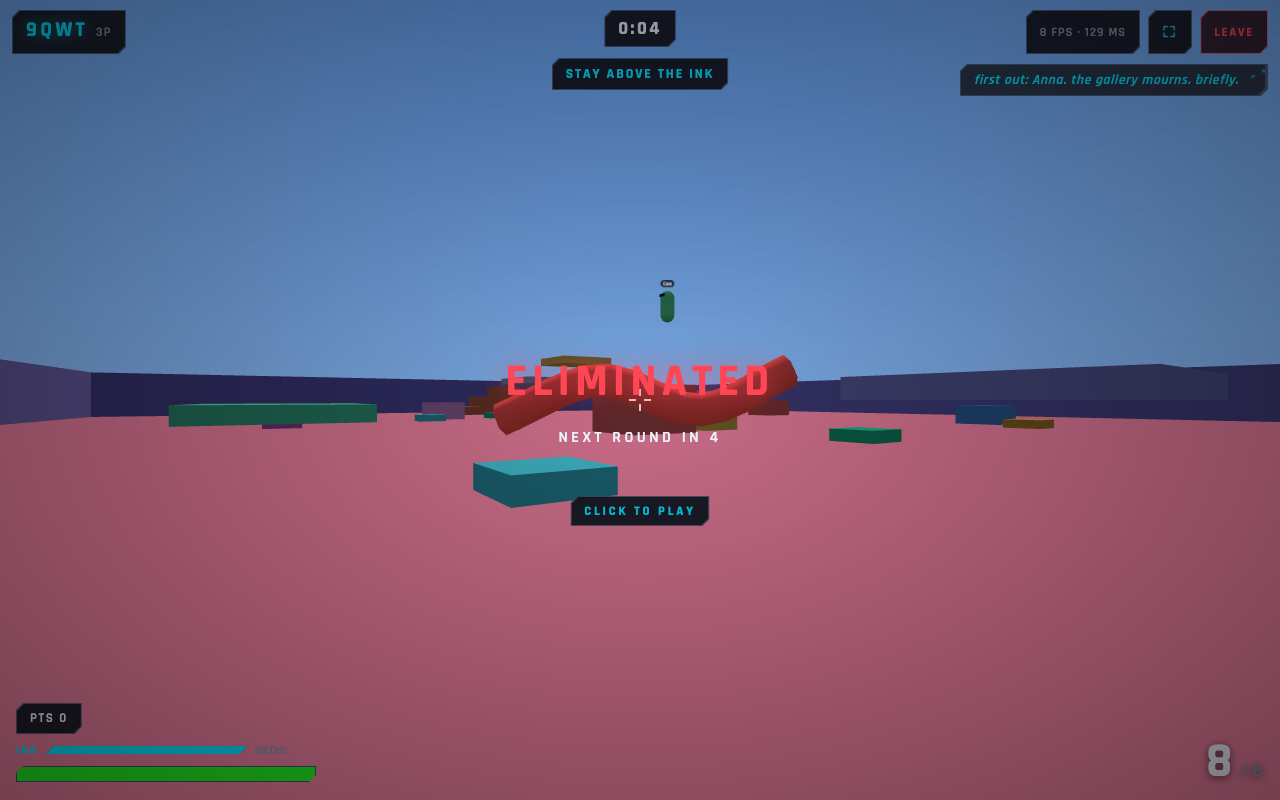
Doodle Royale turns that idea into five quick party rounds: climb above a rising ink tide, survive one-hit Draw Duels, and get off the bare floor before Floor Check strikes. Eliminated players spectate, the last-place player gets a little help, and the finale ends on a cinematic podium.
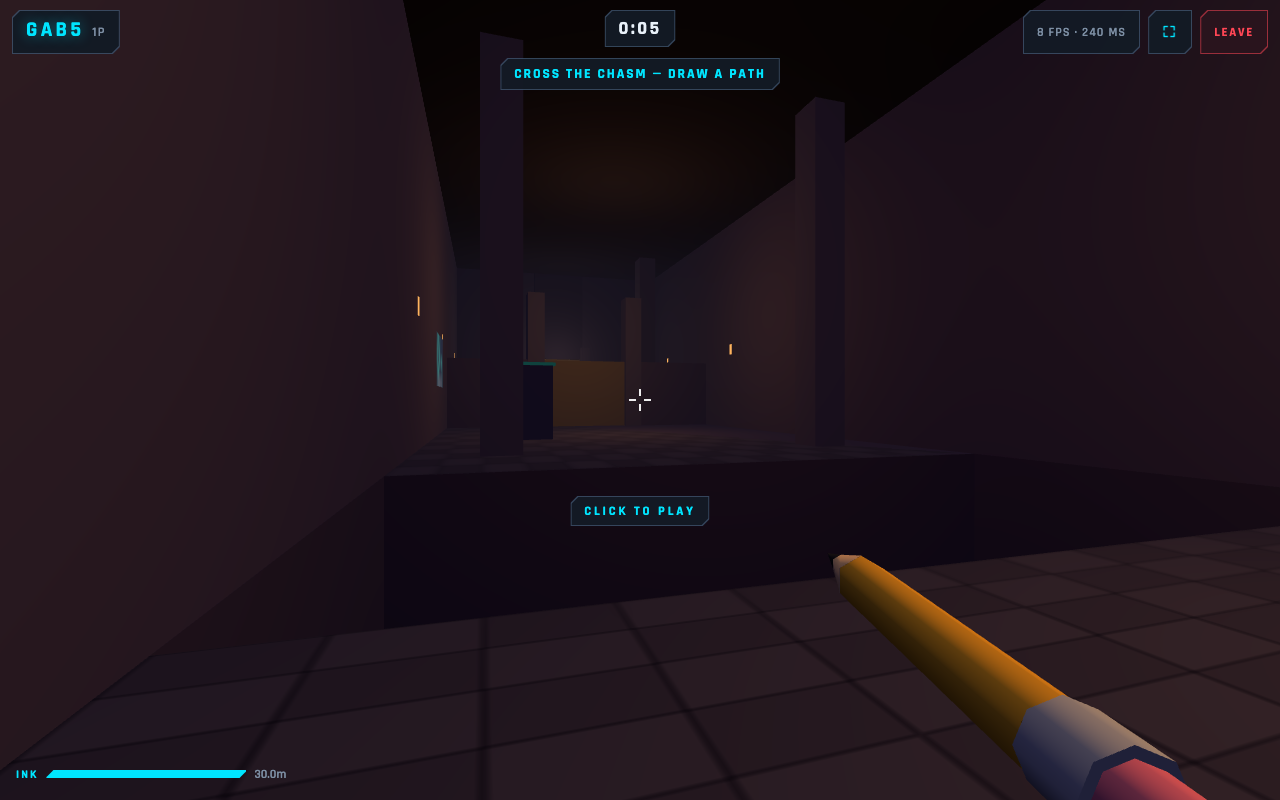
Want a different pace? Enter Escape Room: The Doodle Dungeon and cooperate on drawing puzzles: bridge a chasm, weigh down a high plate, and copy the magic key. Or choose one of three pencil-shooter modes for fast first-person combat where doodles become tactical cover and shortcuts.
Play from phones, tablets, and laptops on the same Wi-Fi. One computer runs the Node server; everyone joins in a modern browser with a four-character room code.
There is currently no hosted public demo or public matchmaking. Clone or download the project from GitHub and self-host it for your LAN. The project is an experimental prototype, shared as free and open-source software under the MIT License.
Source code and setup: https://github.com/daksh-mor/boomboom
How to play and self-host
- Install Node.js 20.19+ and npm, then clone or download the repository.
- From the project folder, run:
npm install
npm run dev
- On the host computer, open: http://localhost:5173
- On other phones, tablets, or laptops connected to the same Wi-Fi, open the Network URL printed by Vite, such as: http://192.168.x.x:5173
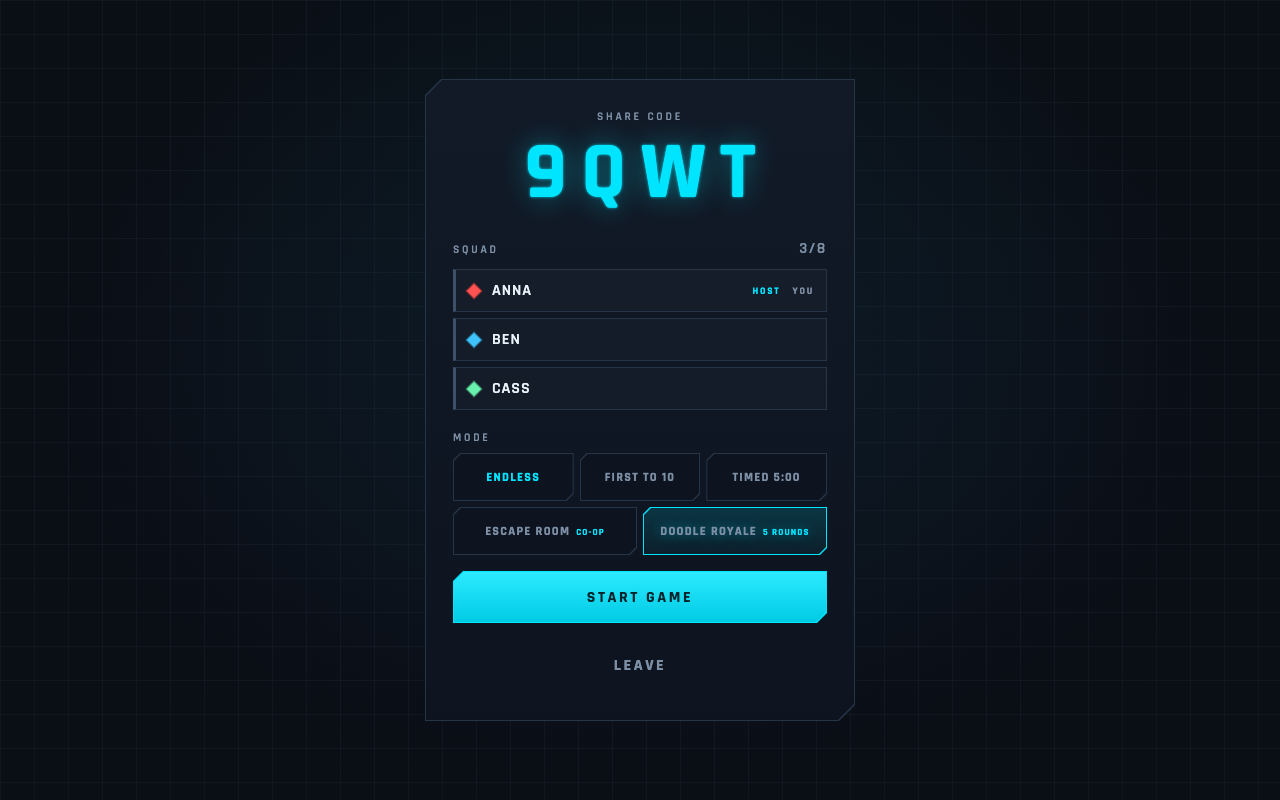
- Create a room, share its four-character code, choose a mode, and start.
Controls
Desktop: • WASD to move • Mouse to look • Click to lock the pointer • Left-click to fire • R to reload • Space to jump/double-jump • Q to draw • Hold G to erase your ink • Hold Tab for the scoreboard
Desktop sketching: • Hold left-click to draw • Enter or Q casts • Backspace undoes • Esc cancels
Touch: • Left joystick to move • Drag the right side to look • Use the on-screen FIRE, RELOAD, DRAW, ERASE, CAST, UNDO, and CANCEL controls • Landscape is recommended
Requirements
• Node.js 20.19+ and npm on the host computer • A modern WebGL-capable browser • Devices on the same Wi-Fi/LAN; the host firewall must allow local connections • Keyboard and mouse or a touch screen • No gamepad support
Discovery settings
Genre: Action
Suggested tags: Multiplayer, Local Multiplayer, First-Person, Shooter, Party Game, Co-op, Puzzle, 3D, Browser, Open Source
Platforms: Windows, macOS, Linux (for hosting from source)
Mobile: Do not mark Android or iOS as native builds. Phones and tablets join through their web browsers.
Visibility: Keep Restricted while assembling the page, then switch to Public after verification.
Accessibility and content notes
• Desktop keyboard/mouse and mobile touch layouts are supported. • Mobile play is designed for landscape. • The game uses fast first-person movement, camera motion, bright effects, damage flashes, and player colors. • No formal accessibility audit has been completed. • Controls are not currently remappable. • Gamepads are not supported. • Color-vision accessibility may be limited. • Contains stylized, non-gory pencil-shooter combat and player eliminations.
Honest limitations
• LAN-first: multiplayer is intended for players on the same Wi-Fi. • No hosted public demo, public server browser, or public matchmaking. • Players must clone/download and self-host. • This prototype is not hardened for open-Internet deployment. • This is an experimental open-source prototype, not a finished commercial service.
Download
Install instructions
1. Install Node.js 20.19+ and npm, then clone or download the repository.
2. From the project folder, run:
```bash
npm install
npm run dev
```
3. On the host computer, open `http://localhost:5173`.
4. On other phones, tablets, or laptops connected to the same Wi-Fi, open the **Network** URL printed by Vite, such as `http://192.168.x.x:5173`.
5. Create a room, share its four-character code, choose a mode, and start.
Leave a comment
Log in with itch.io to leave a comment.